Read PDFs.
Simply.
A clean, fast PDF viewer for your phone. Search, bookmarks and night mode. Works offline. Your files never leave your device.
For Android. No account needed.
Everything you need.
Nothing you don't.
Made for books, study notes, bills, forms, manuals and work documents.
All your PDFs.
One place.
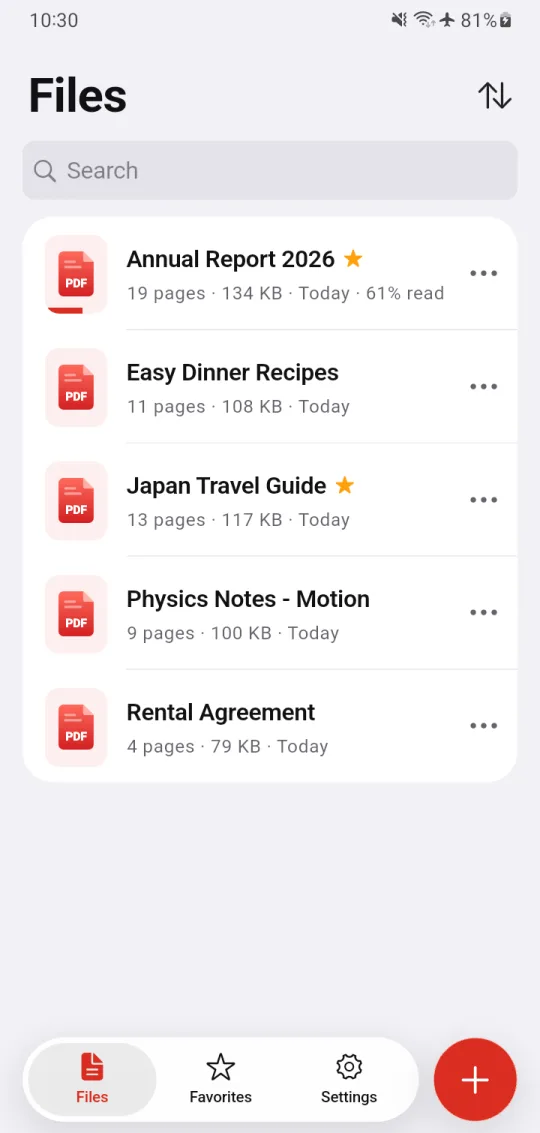
Add files from your phone, or open a PDF straight from your file manager, email, chat or browser.
- Opens password-protected PDFs
- Sort by recent, name or size
- See how far you have read in each file
Reading that feels
just right.
Smooth scrolling and pinch to zoom. Tap the page to hide the bars and read in full screen.
- Top to bottom, or side by side like a book
- Remembers your last page in every file
- Go to any page number
Find any word.
In seconds.
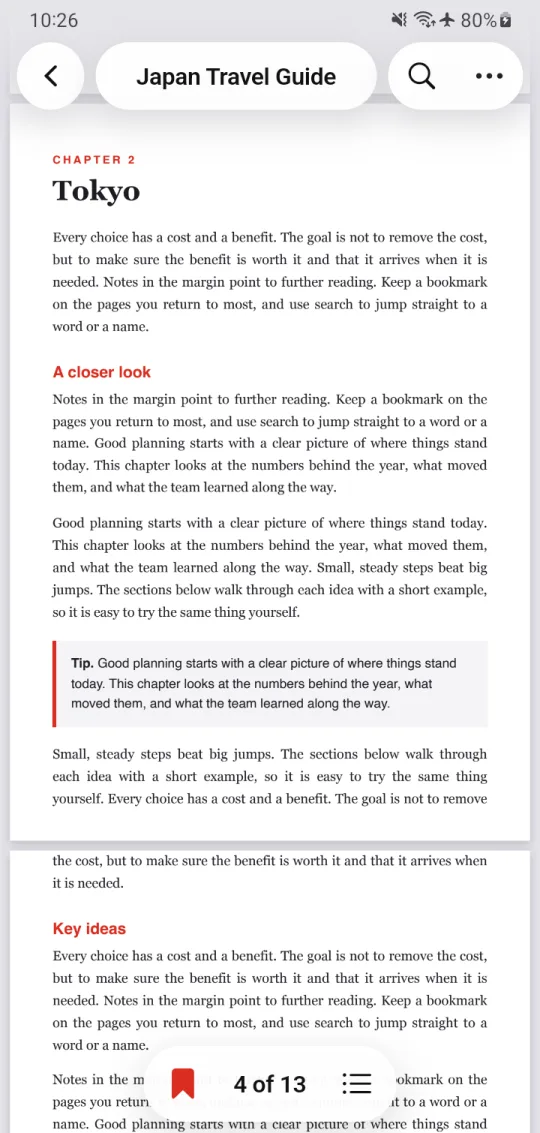
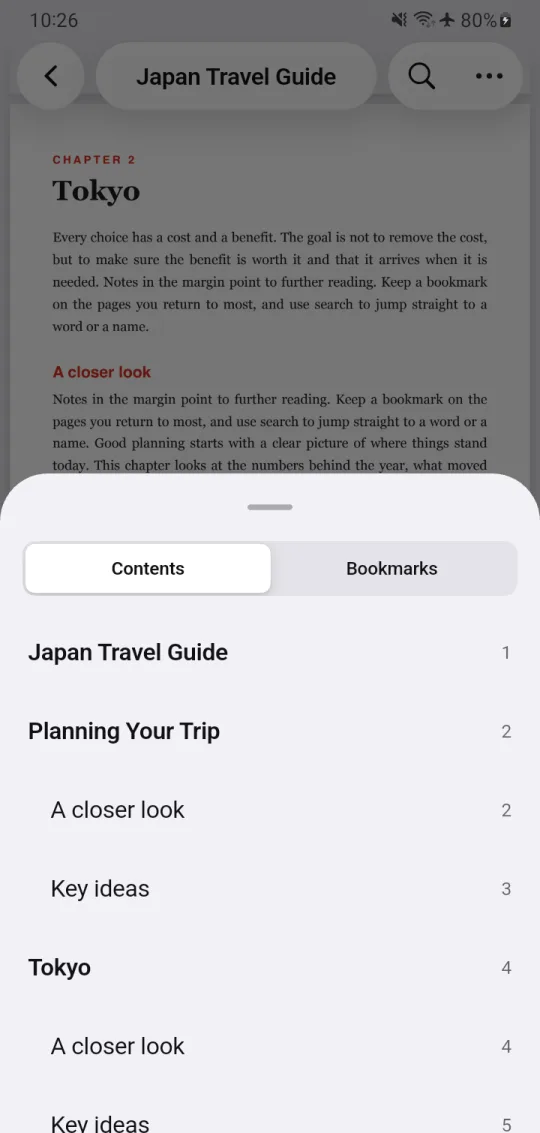
Search inside a PDF and move between results. Jump to a chapter with the table of contents.
- Search the full text of a file
- Table of contents for quick jumps
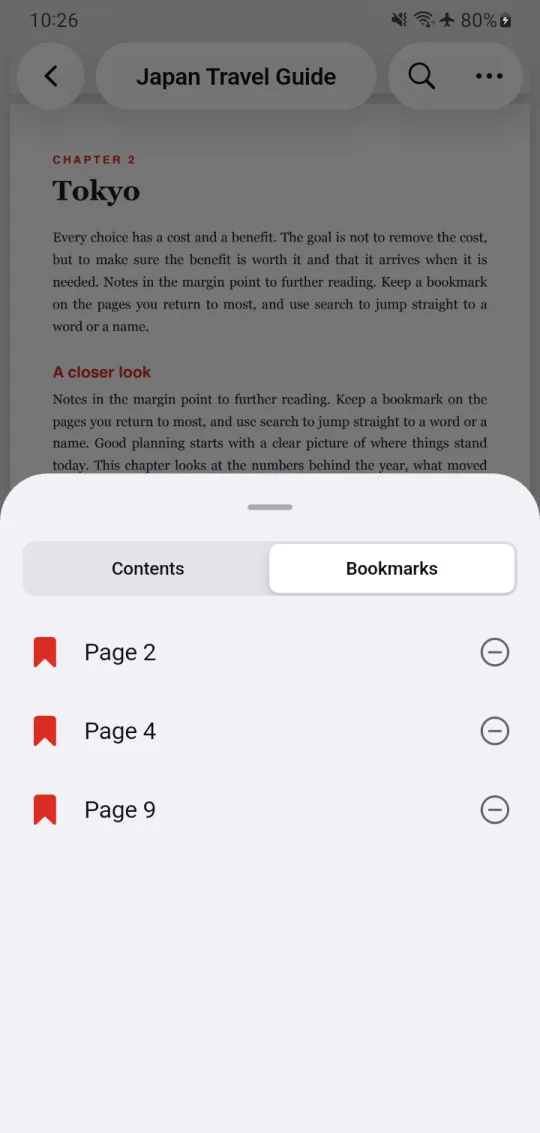
- Bookmark pages and come back later
Easy on your eyes.
Day or night.
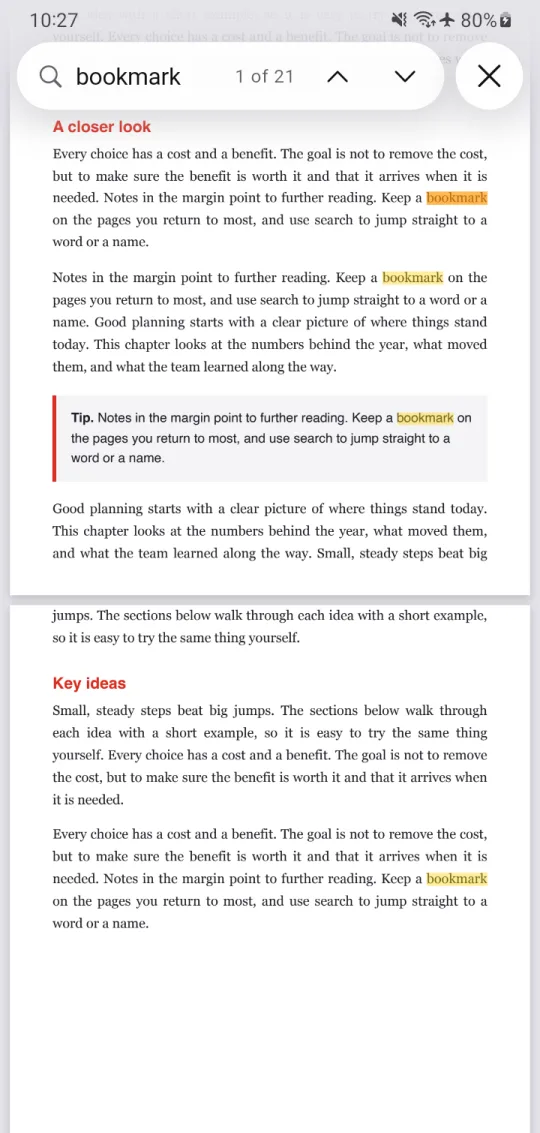
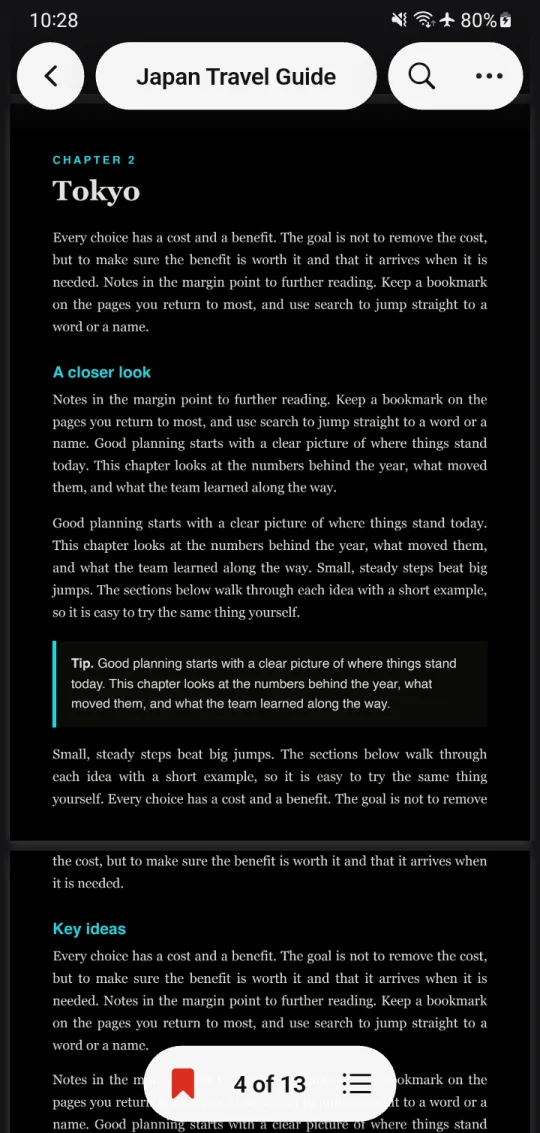
Night mode turns pages dark for reading in low light. Try it.
Small app.
Big comfort.
Reading works with no internet connection. On a plane, on the metro, anywhere.
Bookmarks
Save the pages you return to most.
Favorites
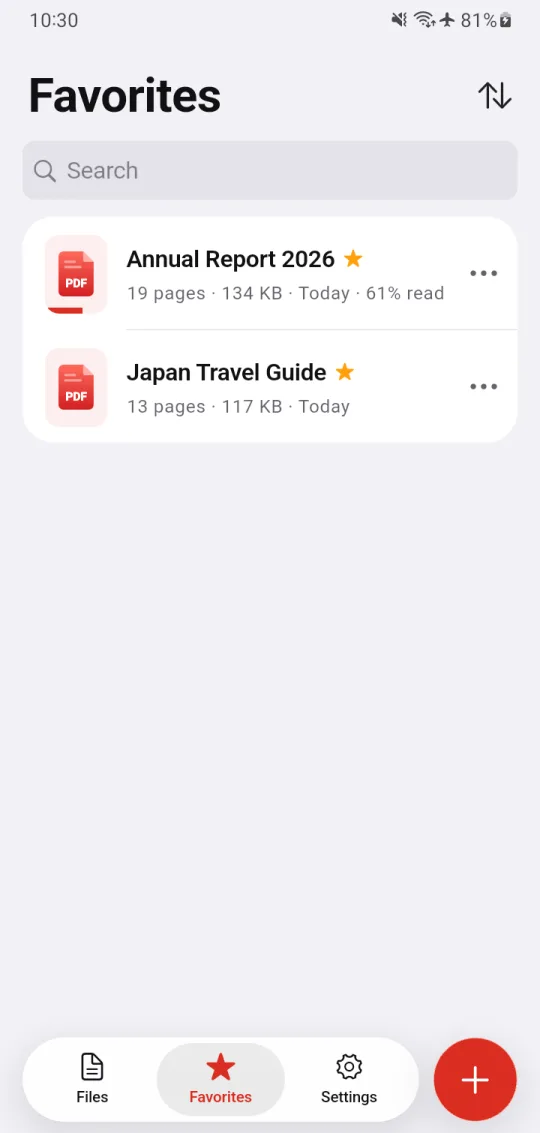
Star the files you use every day.
Contents
Jump to any chapter in one tap.
Share & rename
Rename, share or delete any file.
Open with
Tap a PDF in any app and choose PDF Reader. It opens right away.
No sign-in
No account, no email. Install it and start reading.
Take a closer look.
Your files stay
on your phone.
PDF Reader does not upload your documents. File names, paths and search words are never collected.
Questions? Answers.
Is PDF Reader free?
Yes, it is free to download and use. The app shows ads to keep it free. Ads need an internet connection; reading your files does not.
Does it work without internet?
Yes. Opening, reading, searching and bookmarking all work offline.
Can I edit, sign or convert PDFs?
No. PDF Reader is a reader and viewer. It does not edit, convert, scan or sign PDF files.
Can it open password-protected PDFs?
Yes. Enter the password when asked and the file opens.
How do I make it my default PDF app?
Open any PDF from your file manager, choose PDF Reader and tap "Always". The app also shows a short guide for this.
Is it on iPhone?
Right now PDF Reader is available for Android on Google Play.
How do I contact you?
Use Settings > Send Feedback in the app, or email apps-support@rajputx.com.